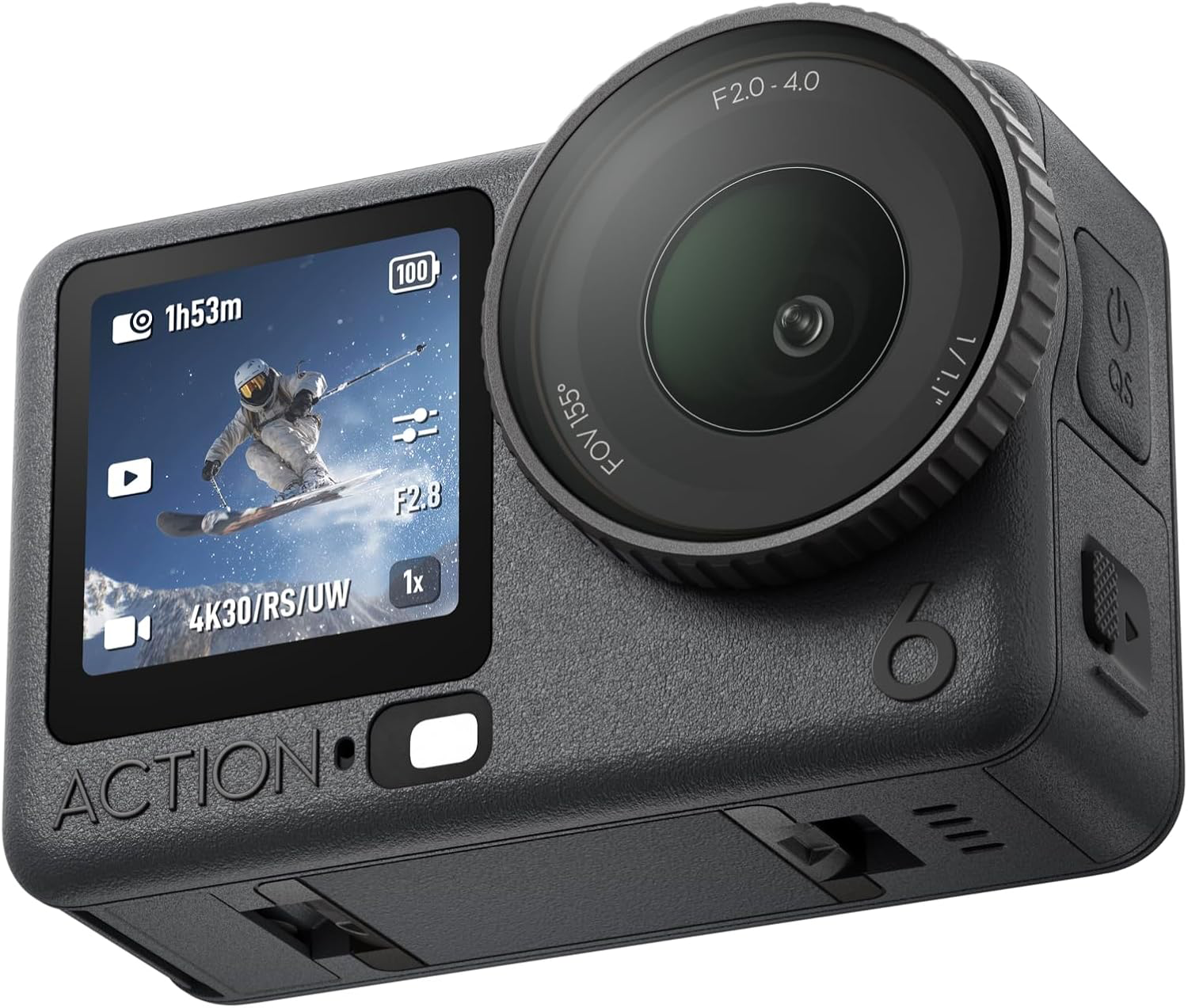
After the initial investment in your DJI Osmo Action 6 the next important consideration is the memory card that you choose. Getting some really good action shots is a waste of time if the memory card isn’t up to the job or fails during recording. Getting hold of a decent card is therefore super important.
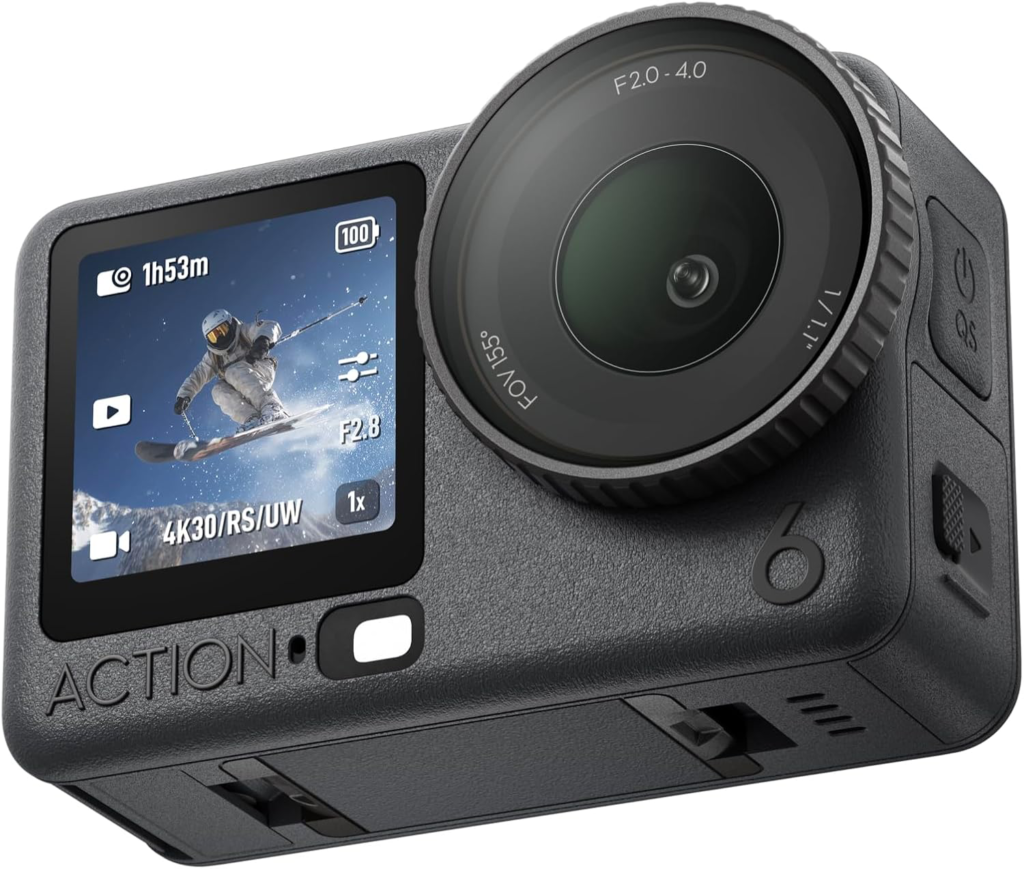
The DJI Osmo Action 6 has a memory card capacity of up to 1TB. The DJI Osmo Action 6 uses a single UHS micro SD memory card slot, which is exactly the same as GoPro and other POV cameras.
SD Speed Class
To get the most out your camera you need a card that can cope with demands that the camera puts on it. The DJI Osmo Action 6 is at the peak of POV camera technology and therefore will demand a lot from the cards its uses. The key is speed and each SD card is given a speed class rating. The Speed Class Rating is the official unit of speed measurement for all SD cards, including both full and micro sized versions. Speed Class is a minimum speed based on a worst case scenario test and represents the minimum transfer rate of data that the card is capable of.
Class 2 – 2MB/s
Class 4 – 4MB/s
Class 6 – 6MB/s
Class 8 – 8MB/s
Class 10 – 10MB/s
This can be seen on cards as a number within a circle.
Ultra High Speed (UHS) Class
Just to confuse things a little more there is also an Ultra High Speed (UHS) classification. Ultra High Speed 1 – U1 is the same as Class 10 (10MB/s). UHS sets a minimum transfer of data that the card is capable of in a similar way to the SD speed class.
U1 – 10MB/s (same as class 10)
U3 – 30MB/s
This can be seen on cards as a number within a bucket/U.
U3 is pretty now pretty well established and is a response to ensure that consumers can easily identify those cards with the highest transfer rates suitable for 4K/2K filming. If your card is not U3 this doesn’t necessarily mean that it is not up to the job. It may simply not be labeled with the new U3 symbol.
Check the transfer rates – this is the key.
Just to confuse things a little more Application Performance class A1 or A2 as mentioned above for the Hero (2024) is a new classification. A1 has a minimum random read of 1500 IOPS and a minimum random write of 500 IOPS, while A2 has a minimum random read of 4000 IOPS and a minimum random write of 2000 IOPS. Both A1 and A2 have a minimum sustained write speed of 10MB/s.
Why should you care?
The Speed Class is important for video mode or action cameras, as when recording video the device is actually saving a steady stream of data. This is exactly what you are expecting a DJI Osmo Action 6 camera to do whilst filming video at high resolutions. Always get the fastest card you can.
There is always a danger that if your SD card isn’t up to it that you could encounter error messages or loss of data.
The difficulty comes when you start looking at Speed Class and card storage size. The higher the speed class the higher the price, the higher the card capacity the higher the prices. All are more than capable of coping with all the recording options available on the DJI Osmo Action 6.
Recommend MicroSD Card
Lexar Professional SILVER PLUS 64GB U3 A2 V30 microSDXC
Lexar Professional SILVER PLUS 128GB U3 A2 V30 microSDXC
Lexar Professional SILVER PLUS 256GB U3 A2 V30 microSDXC
Lexar Professional SILVER PLUS 512GB U3 A2 V30 microSDXC
Lexar Professional SILVER PLUS 1TB U3 A2 V30 microSDXC
Kingston CANVAS Go! Plus 64GB U3 A2 V30 microSDXC
Kingston CANVAS Go! Plus 128GB U3 A2 V30 microSDXC
Kingston CANVAS Go! Plus 256GB U3 A2 V30 microSDXC
Kingston CANVAS Go! Plus 512GB U3 A2 V30 microSDXC
Kingston CANVAS Go! Plus 1TB U3 A2 V30 microSDXC
We earn a small commission if you click on a link in this post and make a purchase. This is at no additional cost to you. This helps keeps the site running.
Leave a Reply