(Updated: 23/02/26)
One of the biggest areas that is overlooked when getting a video/camera setup for trips out is the speed of the your SD or Micro SD card. Now this doesn’t matter if your camera is a GoPro, DJI, Contour, Garmin, Sony , Nikon or whatever because without a good memory card you may struggle to capture the video footage you want.
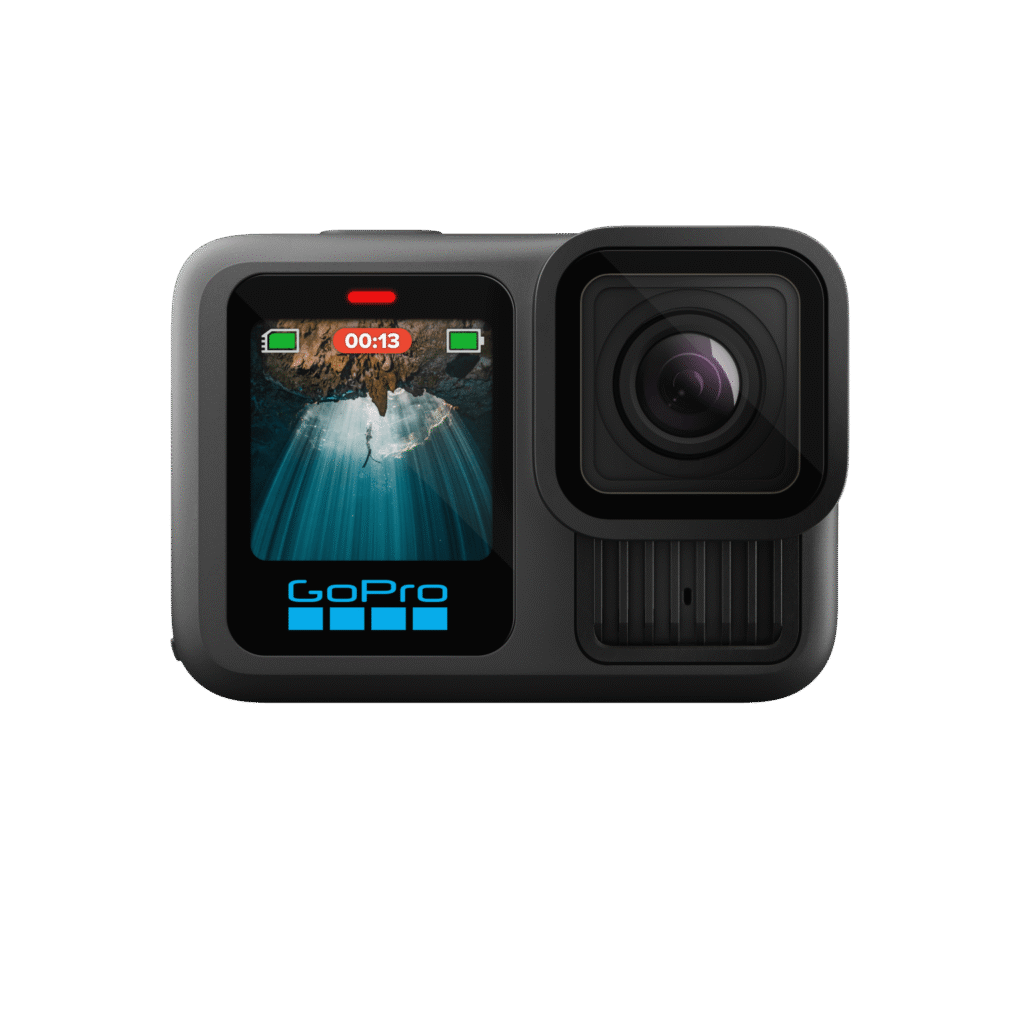
The GoPro Hero 13, and GoPro Hero (2024) are the latest models from the POV giant and are out now.
The Speed Class Rating is the official unit of speed measurement for all SD cards, including both full and micro sized versions. Speed Class is a minimum speed based on a worst case scenario test and represents the minimum transfer rate of data that the card is capable of.
SD Speed Class
Class 2 – 2MB/s
Class 4 – 4MB/s
Class 6 – 6MB/s
Class 8 – 8MB/s
Class 10 – 10MB/s
This can be seen on cards as a number within a circle.
Ultra High Speed (UHS) Class
Just to confuse things a little more there is also an Ultra High Speed (UHS) classification. Ultra High Speed 1 – U1 is the same as Class 10 (10MB/s). UHS sets a minimum transfer of data that the card is capable of in a similar way to the SD speed class.
U1 – 10MB/s (same as class 10)
U3 – 30MB/s
This can be seen on cards as a number within a bucket/U.
U3 is pretty new and is a response to ensure that consumers can easily identify those cards with the highest transfer rates suitable for 4K/2K filming. If your card is not U3 this doesn’t necessarily mean that it is not up to the job. It may simply not be labeled with the new U3 symbol. Check the transfer rates – this is the key.
Why should you care?
The Speed Class is important for video mode or camcorders, as when recording video the device is actually saving a steady stream of data. This is exactly what you are expecting a GoPro camera to do whilst filming video at high resolutions. GoPro recommend SDHC cards with a Class 4 rating or higher for the Hero 2. A Class 10 SD card is recommended when using Time-Lapse mode or photo every 0.5 seconds. For the GoPro Hero 3, 3+, 4, Session 4, 5 or Session 5 a Class 10 SD card/U3 is the best choice regardless of what you are using it for. Always get the fastest card you can.
There is always a danger that if your SD card isn’t up to it that you could encounter error messages or loss of data. When ever my GoPro has crashed or frozen it has always been down to the card I have been using.
The difficulty comes when you start looking at Speed Class and card storage size. The higher the speed class the higher the price, the higher the card capacity the higher the prices. Over the last few months I have swapped out all of my cards for the newest Lexar 633x U1/U3 series. All are more than capable of coping with all the recording options available on the GoPro. All my cards are also 32GB, 64GB or 128GB. I have purchased cards with greater capacity as I have incrementally upgraded my GoPro cameras.
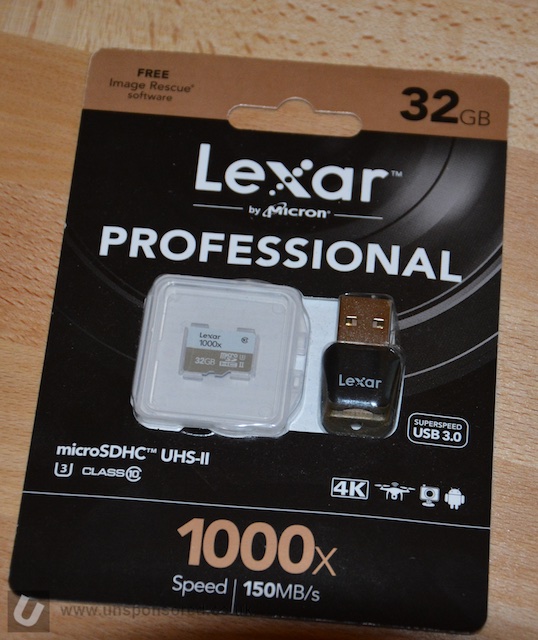
SD Card Recommendations
All of the cards listed below are fast and you’ll need fast and reliable if you are shooting at high resolutions. We are currently running the Lexar, Sandisk Extreme that are shown below.
Lexar 1066x Silver Series 128GB
Lexar 1066x Silver Series 256GB
Lexar 1066x Silver Series 512GB
GoPro now recommend a much wider range of cards as listed below. This includes the Amazon range of UHS-3 Cards which represent great value.

GoPro also recommend a limited number of 1TB options:
The safe bet is to get the fastest Class 10 U3 you can afford as it will work in all of the GoPro range and just about any other POV/Action camera that requires a Micro SD card.
There are a great deal of fake SD cards out in circulation and it is important that you buy yours from a reputable supplier.
Some older editions of the GoPro Cameras can only handle card capacities upto 32GB or 64GB.
- Hero9/8/7/6/5 Black, MAX, Fusion, Hero5 Session, and Hero(2018): microSD card with at least Class 10 or UHS-1 rating. See user manual for maximum card storage capacity.
- Hero4 and Hero Session: Support up to a 128GB microSD card.
- Hero3 Black, Hero3+, Hero+, and Hero+ LCD: Support up to a 64GB microSD card.
- Hero (2014): Supports up to a 32GB microSD card.
- HD Hero2: Requires a Class 10 SD card up to 32 GB.
- HD Hero Original & HD Hero 960: Require a Class 4 SD card up to 32 GB.
- Standard Definition Hero: Support up to a 2GB standard SD memory card.
Hero10 and newer are able to handle up to 1TB cards, although GoPro only recommend a couple of manufacturers and card models:
Storage:
Once you get into taking video you’ll soon build up a collection of memory cards. These things are so easy to misplace or lose. After losing a few last year I use Peli SD Card storage case. It can handle both SD and Micro SD cards at the same time, and although not fully waterproof it is water resistant and keeps the dirt/grime out.
What else should you consider?
ormatting your cards on a regular basis will help prevent them from going bad and losing that once in a life time shot.
I have a fair bit of GoPro kit and to maximise its use I also have a range of must have accessories.
We earn a small commission if you click on a link in this post and make a purchase. This is at no additional cost to you. This helps to keep the servers working.


Leave a Reply