The long awaited App for the GoPro Wifi Bac is now avilable on iTunes. The App is free but requires you to have a GoPro Hero 2 and Wifi Bacpac kit or a Hero 3 (Wifi is built in). A firmware update is required before you attempt to connect the App.
With the GoPro App you can now control your GoPro camera remotely using an iPhone, iPad, or iPod touch. Features include: full control of all camera settings; live, remote viewfinder/preview of your iPhone/iPod or iPad for easy shot framing, and more.
In my case I have connected my iPhone to the camera so will refer to iPhone throughout this write up with the understanding that other iOS devices can be connected.
To connect the iPhone to the GoPro I switched on the GoPro/Bacpac and navigated to the Wifi settings on the camera menu and selected the Phone/Tablet option. On my iPhone I went to settings, switched on the Wifi and connected to the GoPro Wifi network. A password is requested. The default password is “goprohero”.
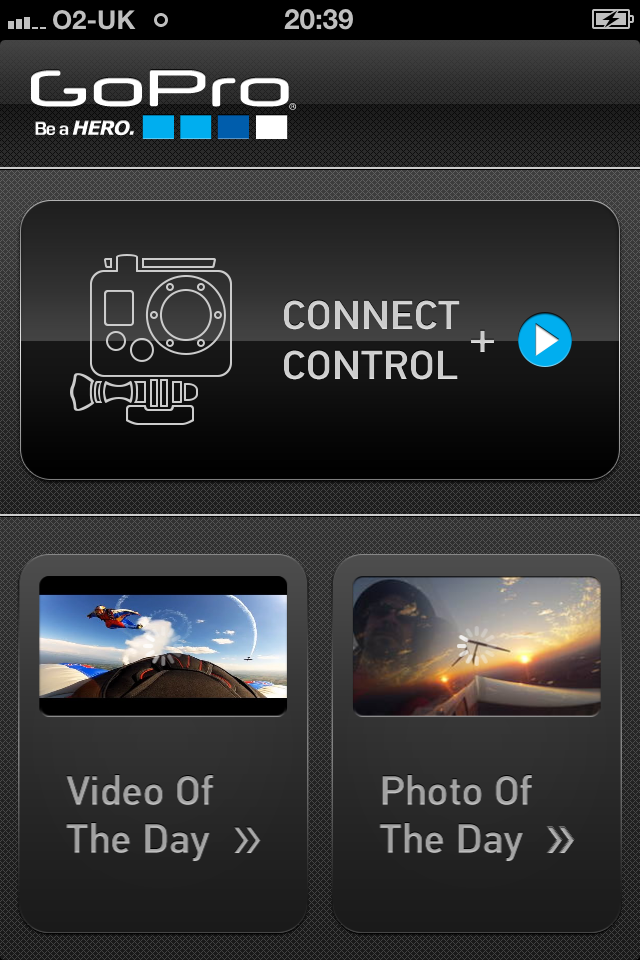
First impressions are really good. The App is well laid out and is very easy to navigate around.
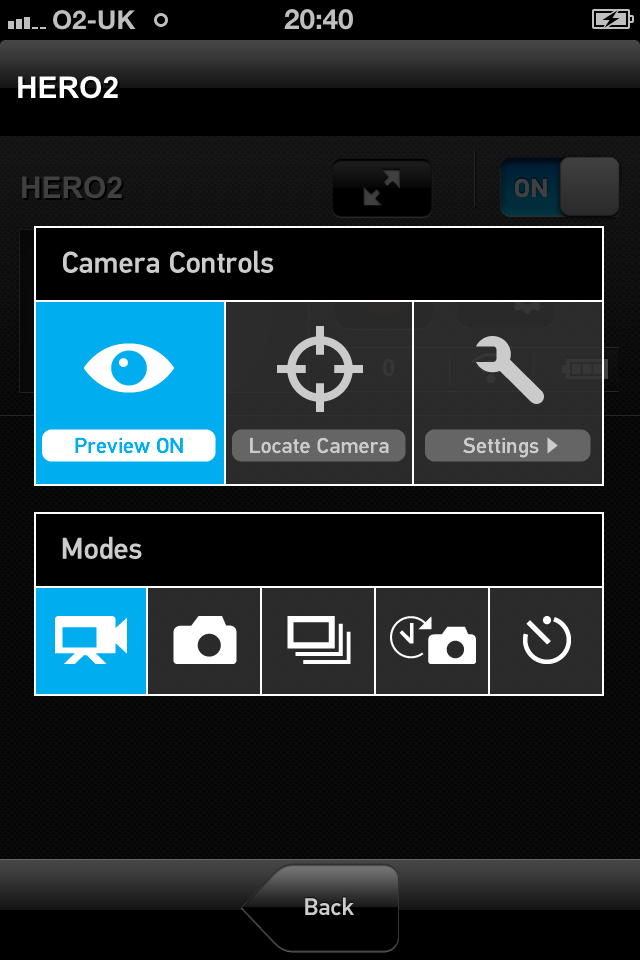
Changing from Video to Photo to Time Lapse etc is super simple.
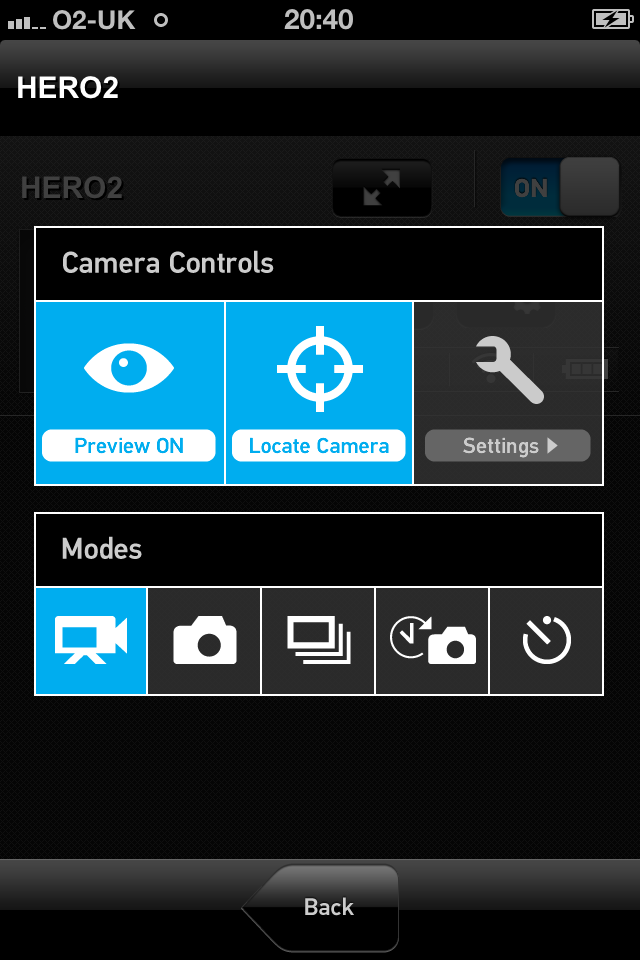
The “Locate Camera” is an interesting one. On activation the camera beeps and all of the lights flash. This could be useful given the right conditions.
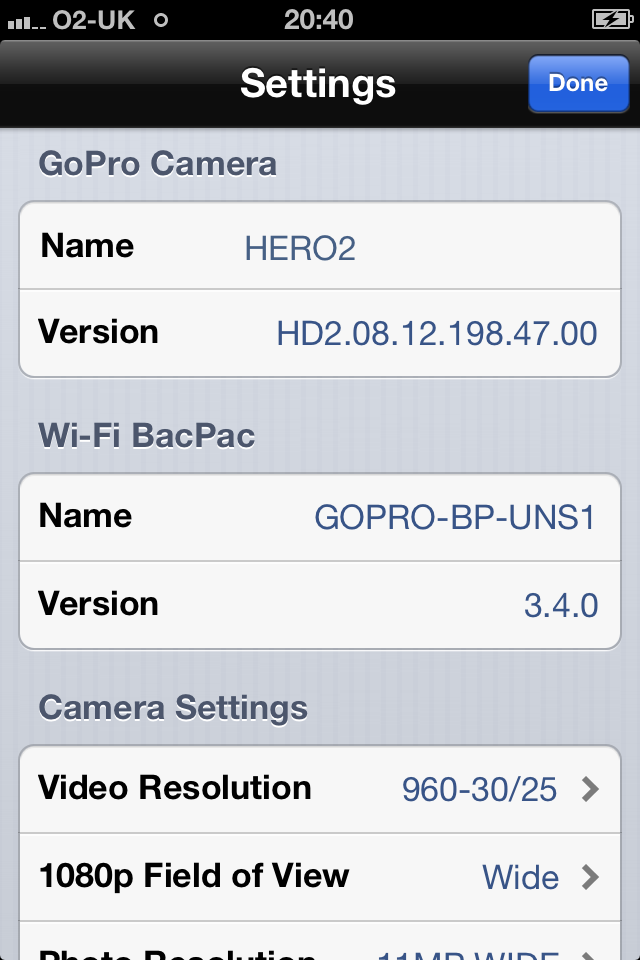
All of the GoPros settings are accessible and can be edited. This feature is superb! The GoPro 2 cameras menu is much better than the first but the menu on the iPhone is leap years ahead.
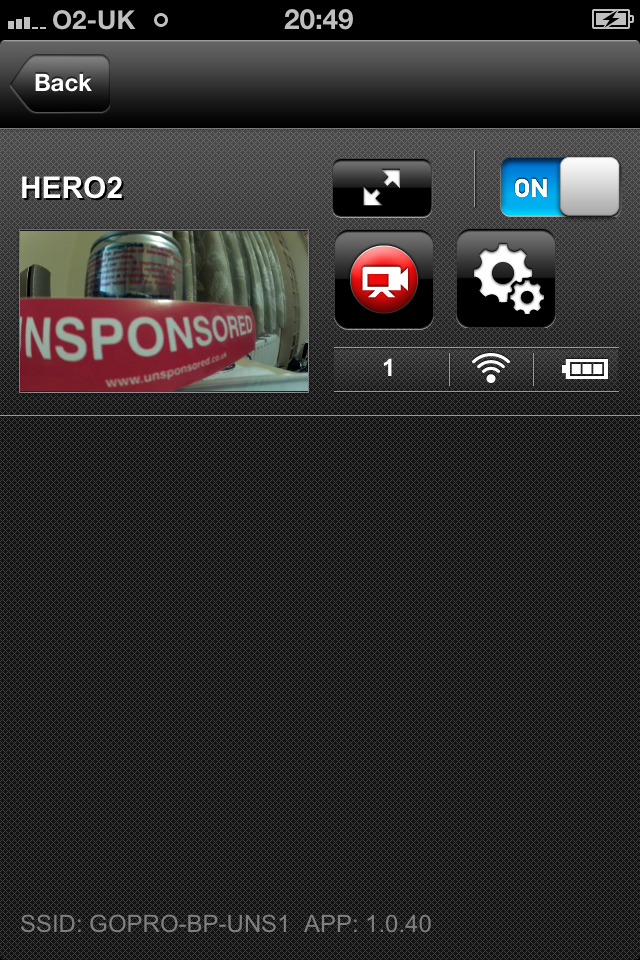
The App allows you to view the video stream from the camera with a 1-2 second delay. This would be pretty good for framing shots.
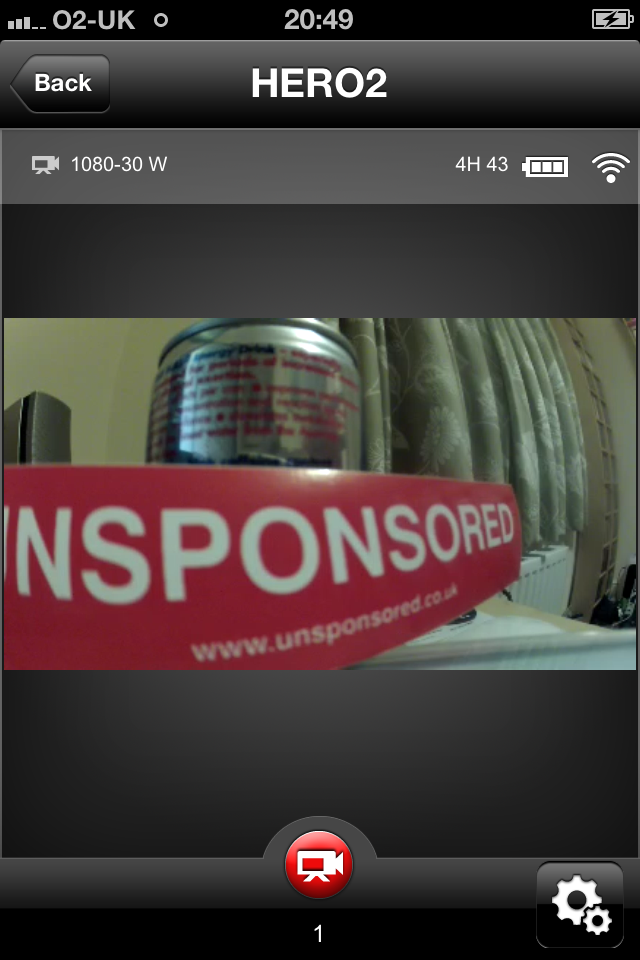
What else? Must have GoPro kit.


Leave a Reply