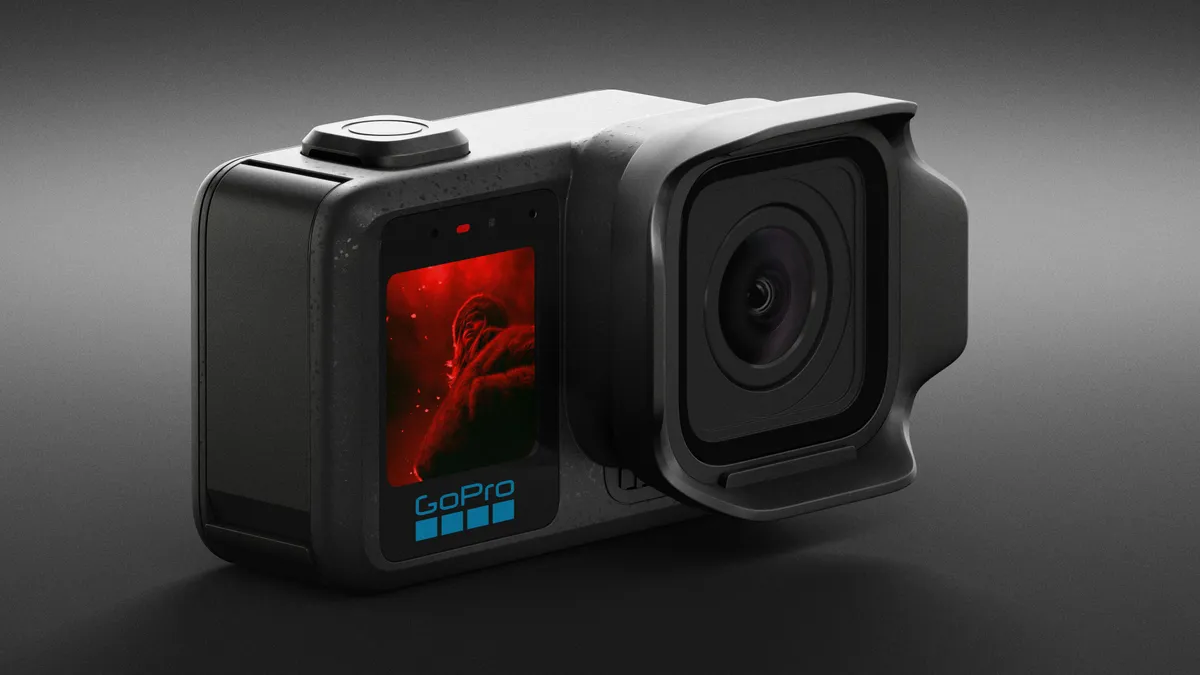
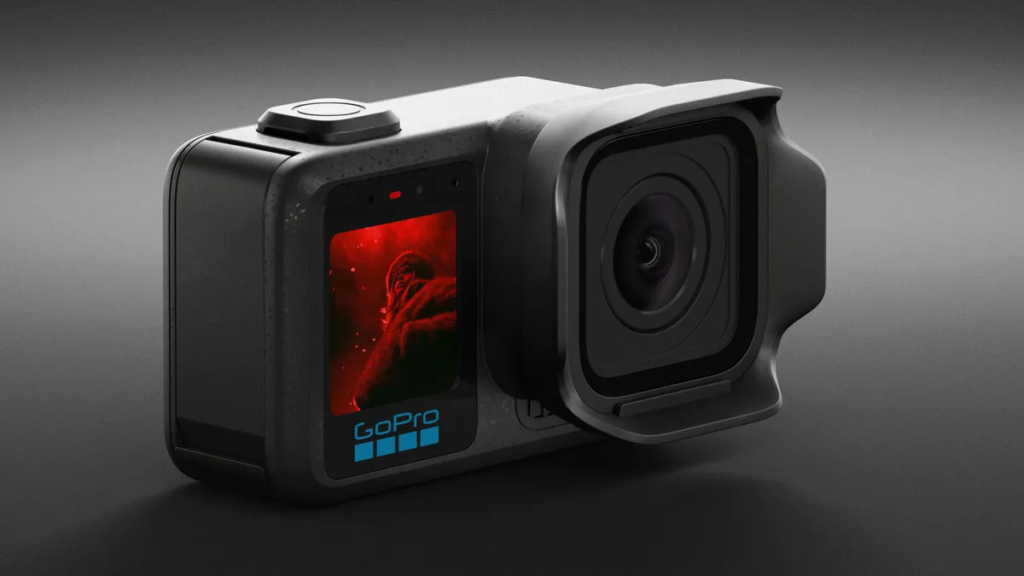
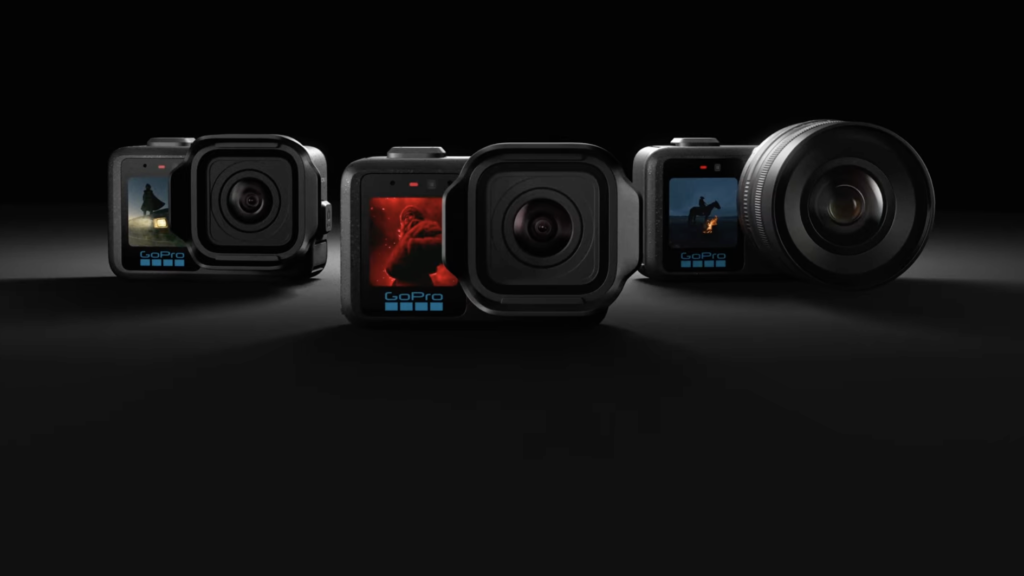
The Mission 1 series of cameras puts GoPro back out front in terms of camera performance. To get the most of the camera you need a decent set of SD Cards.
The GoPro Mission 1 and Mission 1 Pro use a single UHS micro SD memory card slot, which is exactly the same as the other GoPro cameras.
GoPro recommend the use of a UHS-3 or V30 rated card with a Class A2 rating for the GoPro Hero13 Black and GoPro Mission 1 series. The card you buy should be marked with these elements.
The compatible cards for the GoPro Mission 1 and Mission 1 Pro should be released shortly. The card listed below are GoPro Mission 1 and Mission 1 Pro compatible cards.
Ultra High Speed (UHS) Class
Just to confuse things a little more there is also an Ultra High Speed (UHS) classification. Ultra High Speed 1 – U1 is the same as Class 10 (10MB/s). UHS sets a minimum transfer of data that the card is capable of in a similar way to the SD speed class.
U1 – 10MB/s (same as class 10)
U3 – 30MB/s
This can be seen on cards as a number within a bucket/U.
U3 is pretty now pretty well established and is a response to ensure that consumers can easily identify those cards with the highest transfer rates suitable for 4K/2K filming. If your card is not U3 this doesn’t necessarily mean that it is not up to the job. It may simply not be labeled with the new U3 symbol. Check the transfer rates – this is the key.
Just to confuse things a little more Application Performance class A1 or A2 as mentioned above for the Hero (2024) is a new classification. A1 has a minimum random read of 1500 IOPS and a minimum random write of 500 IOPS, while A2 has a minimum random read of 4000 IOPS and a minimum random write of 2000 IOPS. Both A1 and A2 have a minimum sustained write speed of 10MB/s.
Why should you care?
The Speed Class is important for video mode or camcorders, as when recording video the device is actually saving a steady stream of data. This is exactly what you are expecting a GoPro camera to do whilst filming video at high resolutions. Always get the fastest card you can.
There is always a danger that if your SD card isn’t up to it that you could encounter error messages or loss of data. When ever my GoPro has crashed or frozen it has always been down to the card I have been using.
The difficulty comes when you start looking at Speed Class and card storage size. The higher the speed class the higher the price, the higher the card capacity the higher the prices. All are more than capable of coping with all the recording options available on the GoPro. All my cards are now 128GB or above. I have purchased cards with greater capacity as I have incrementally upgraded my GoPro cameras.
SD Card Recommendations
| Camera | Minimum Requirements | Recommended microSD Card Families |
| MISSION 1 and MISSION 1 PRO | microSD cards with a V30 and Class A2 rating | Lexar Professional microSDXC UHS-1 Card (U3 / V30) Silver Plus SanDisk Extreme Pro microSDXC UHS-1 Card (U3 / V30) A2 PNY Pro Elite Prime microSDXC UHS-1 Card (U3 / V30) Class 10 Samsung EVO Select microSDXC UHS-1 Card A2 / V30 Kingston CANVAS Go Plus A2 / V30 |
All of the cards listed below are fast and you’ll need fast and reliable if you are shooting at high resolutions. We are currently running the Lexar, Sandisk Extreme that are shown below.
Lexar Professional microSDXC UHS-1 Card (U3 / V30) Silver Plus 1TB
Lexar Professional microSDXC UHS-1 Card (U3 / V30) Silver Plus 512GB
SanDisk Extreme Pro microSDXC UHS-1 Card (U3 / V30) A2 1TB
SanDisk Extreme Pro microSDXC UHS-1 Card (U3 / V30) A2 512GB
Samsung EVO Select microSDXC UHS-1 Card A2 / V30 1TB
Samsung EVO Select microSDXC UHS-1 Card A2 / V30 512GB
Kingston CANVAS Go Plus A2 / V30 1TB
Kingston CANVAS Go Plus A2 / V30 512GB
The safe bet is to get the fastest Class 10 U3/V30 A2 you can afford as it will work in all of the GoPro range and just about any other POV/Action camera that requires a Micro SD Card.
There are a great deal of fake SD cards out in circulation and it is important that you buy yours from a reputable supplier.
Storage:
Once you get into taking video you’ll soon build up a collection of memory cards. These things are so easy to misplace or lose. After losing a few last year I use Peli SD Card storage case. It can handle both SD and Micro SD cards at the same time, and although not fully waterproof it is water resistant and keeps the dirt/grime out.
What else should you consider?
Formatting your cards on a regular basis will help prevent them from going bad and losing that once in a life time shot.
I have a fair bit of GoPro kit and to maximise its use I also have a range of must have accessories.
Please check out my unboxing and first look at the GoPro Mission 1 Pro.
We earn a small commission if you click on a link in this post and make a purchase. This is at no additional cost to you. This helps to keep the servers working.
Leave a Reply