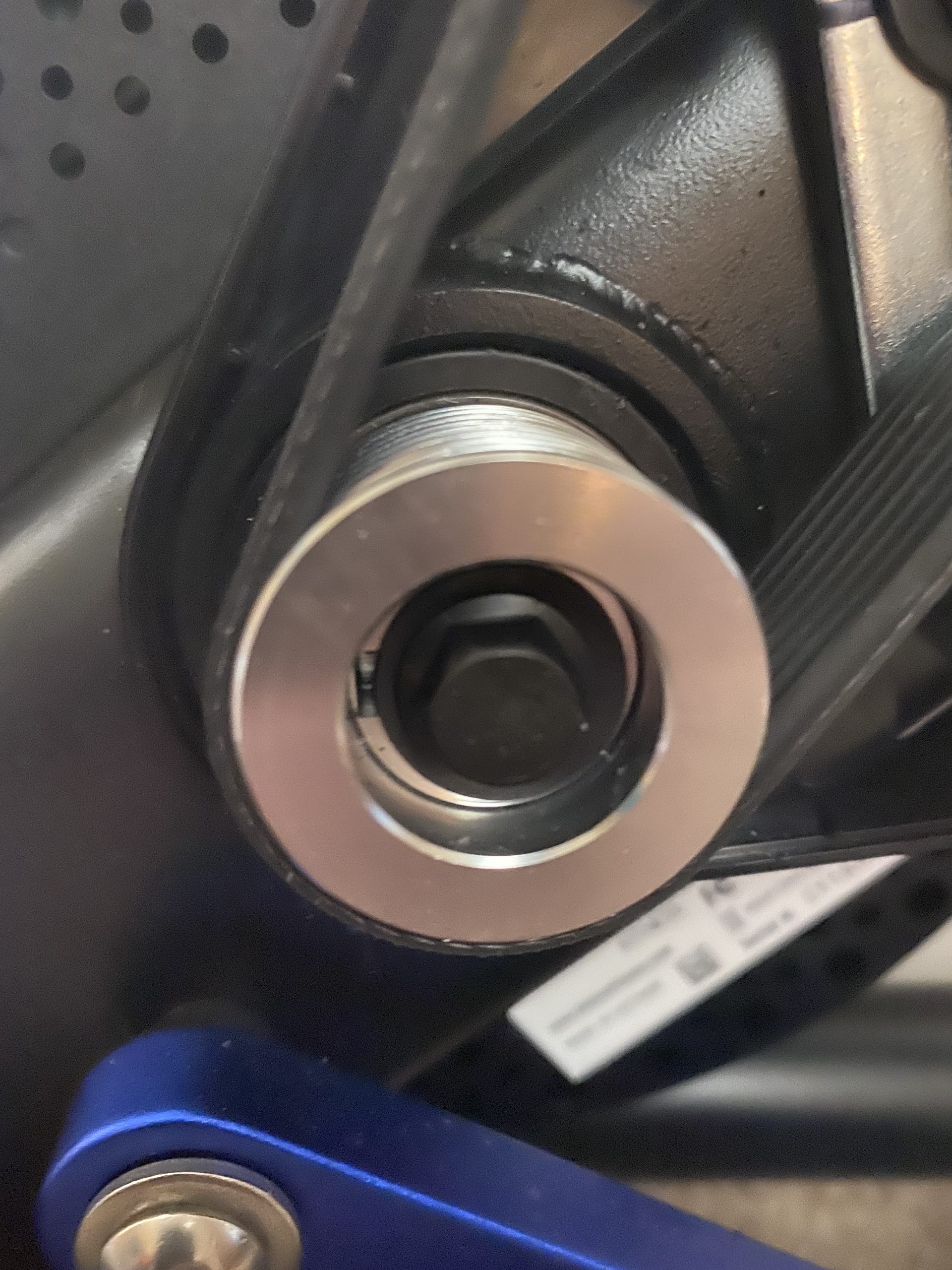
Wahoo Kickrs are superb bits of kit but they do fail. Sometimes this occurs straight out of the box!
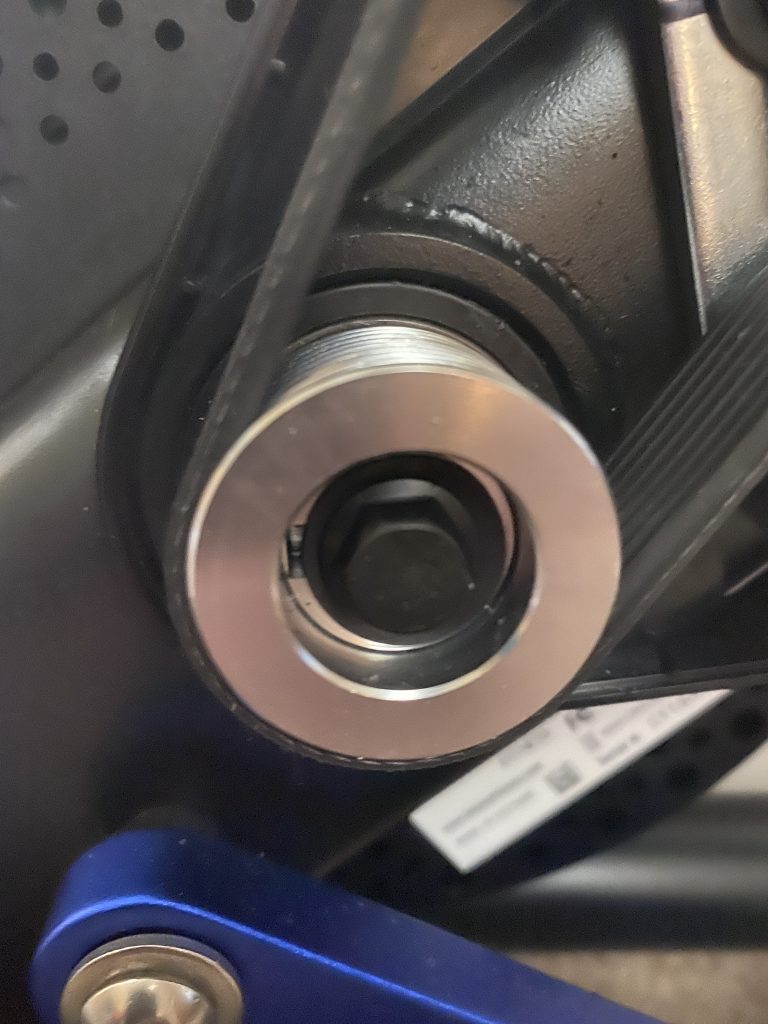
If you find yourself in this situation get it warrantied. If you are out of warranty then it may be time to get the tools out.
Over the last 5 plus years I have repaired half a dozen or so Kickrs and Kickr Core.
Clicking
Anything from a light metallic click to a loud clunk will be down to the woodruff key moving and allowing some slop in the system. I’d caught quickly you may be able to get away without swapping out bearings.
Solution: Tap the existing key back into place or ideally replace the key.
Rough Spin/Wobble
This can occur when the woodruff key has moved and the system now has some slop.
Solution: Same as above
Squeaking/squealing
Squeaking or squealing may be traced to rather a failing belt or a belt that is dirty. The Kickr uses a gated belt drive.
Solution: New belts can be ordered online if you want to swap it out. Unfortunately Wahoo don’t sell them. The current belt will have a serial number and or part number printed on it.
Before replacing a belt it is worth cleaning the current one.
No power read out
If the Kickr feels ok when riding but no speed is being recorded in your preferred app then you may have a sensor failure or more likely an issue with the stickers inside the flywheel.
To register the rotation of the flywheel the Kickr uses a sensor that looks for the white stickers than can be found within the wheel. The flywheel gets very hot during use so it is possible for the adhesive to fail.
Solution: To remedy you can either stick the originals back into place or replace. Any decent white vinyl will do the job.
Check out my guide on taking the Kickr apart.


Leave a Reply